
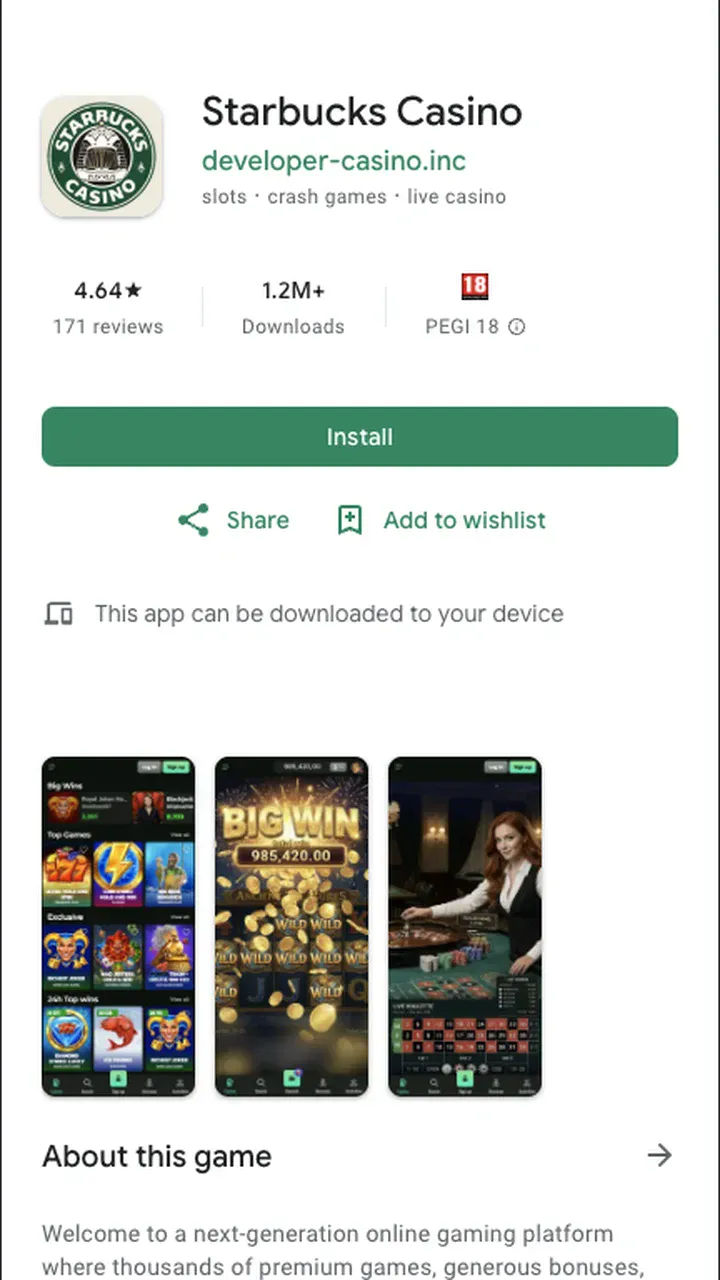
The Starbucks Casino app packs the full desktop lobby into a screen you can hold in one hand. You get the slots, the live tables, the cashier and the bonus offers, tuned for touch instead of a mouse. Below you will find the Android download, the iOS route, hardware requirements and answers to the questions players ask most before installing.
Android: download the APK directly
Android is the quicker path. Since the app lives outside the Play Store, you install it through an APK file straight from the mobile site. Open Starbucks Casino in Chrome or your default browser, tap the Android download button, and let the file save.
Your phone will flag the install because the source sits outside the store. That warning is routine for licensed casino apps distributed this way. Head to Settings, allow your browser to install unknown apps, and confirm. The whole thing takes under a minute on a decent connection.
Once installed, the icon lands on your home screen like any other app. Sign in, and the lobby loads with your session already remembered.
iOS: run it as a web app
On iPhone and iPad there is no APK. Instead you save the casino as a web app to your home screen, which behaves almost exactly like a native install. Open the site in Safari, tap the share icon, then choose "Add to Home Screen".
The result is a full-screen shortcut with its own icon, no browser bars, and the same fast lobby you get on Android. Apple keeps gambling apps off the store in many regions, so this route is standard rather than a workaround. Everything from deposits to live tables runs inside it.
What your phone needs
Nothing exotic. If your handset ran a game in the last few years, it runs this. Here is the short version of what to check before you install.
| Requirement | Android | iOS |
|---|---|---|
| System | Android 6.0 or newer | iOS 13 or newer |
| Free storage | About 80 MB | Minimal (web app) |
| Connection | Stable 4G / Wi-Fi | Stable 4G / Wi-Fi |
| Install source | APK from mobile site | Add to Home Screen |
A weak signal is the usual culprit behind a stalled download, not old hardware. Switch to Wi-Fi if the APK drags.
Deposits and payouts on mobile
The cashier is the same one you would use on desktop, only laid out for a thumb. Minimum deposit is €10, and you can top up in seconds once your payment method is saved. Withdrawals start at €20, with a daily ceiling of €500.
Speed depends on how you cash out. E-wallets clear within 0 to 24 hours after your identity check passes, crypto lands in up to 24 hours, and bank transfers take 3 to 5 business days. Verification itself runs up to 72 hours, so get it done early rather than on payout day. Our full breakdown lives on the payments page.
App vs mobile browser
You do not strictly need the app. The site works fine in any mobile browser. But the installed version earns its place if you play often.
| Feature | App | Browser |
|---|---|---|
| Home screen icon | Yes | No |
| Push notifications | Yes | No |
| Biometric login | Yes | Limited |
| Full lobby access | Yes | Yes |
| Auto session memory | Yes | Sometimes |
Short answer: casual player, stick with the browser; regular player, install it. Either way the game library and the Starbucks Casino offers are identical.
Keeping the app healthy
Updates arrive automatically on the iOS web app. On Android you may occasionally be prompted to reinstall a fresher APK, which takes the same minute as the first time and keeps your login intact. If the app ever freezes on launch, clear its cache in Settings before doing anything drastic.
Play within limits you set for yourself. The app includes deposit caps and reality-check reminders under account settings, and you can pause your account at any point. Gambling is for adults, 18 and over.
Frequently asked questions
Is the Starbucks Casino app free to download?
Yes. The download and install cost nothing on both starbucks casino android and iOS. You only spend money if you choose to deposit and play.
Why isn't the app in the Play Store or App Store?
Real-money gambling apps are restricted in most stores, so the Android version comes as a direct APK and the iOS version installs as a home-screen web app. Both are standard for licensed casinos.
Can I claim the welcome bonus inside the app?
You can. Register, deposit from €10, and the €1200 + 250 FS offer applies exactly as it does on desktop, with the same x45 wagering.
Does the starbucks casino ios version have fewer games?
No. The web app serves the full lobby, including slots and live dealer tables. Nothing is cut for mobile.
Is my data safe on the mobile app?
Yes. Traffic is encrypted, biometric login guards access on your device, and identity checks protect withdrawals. Verification can take up to 72 hours.